CS2: set up your game and confirm the result
CS2 needs a single value: put your in-game sensitivity into the app. Reached from step 04 of the quickstart.
← Back to the quickstart to pick another game
In-game settings to check
Settings → Mouse/Keyboard → Sensitivity
Below are our recommended settings. Compare them with the values you have now.
# Setting Recommended 1 Sensitivity 1.25 Do your values match the table?
Does your setup match the table above?
App → Groups → the "⋯" at the top right of the card → Edit group sensitivity
Pick Convert from game sensitivity and enter the value you use in game.
Check the recoil in game
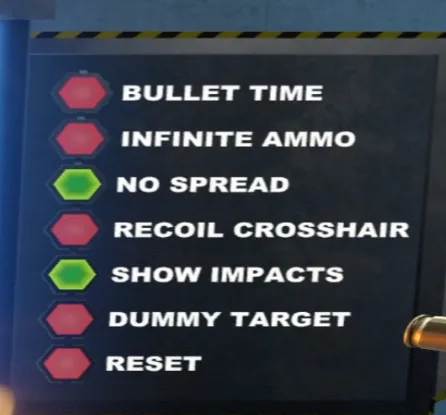
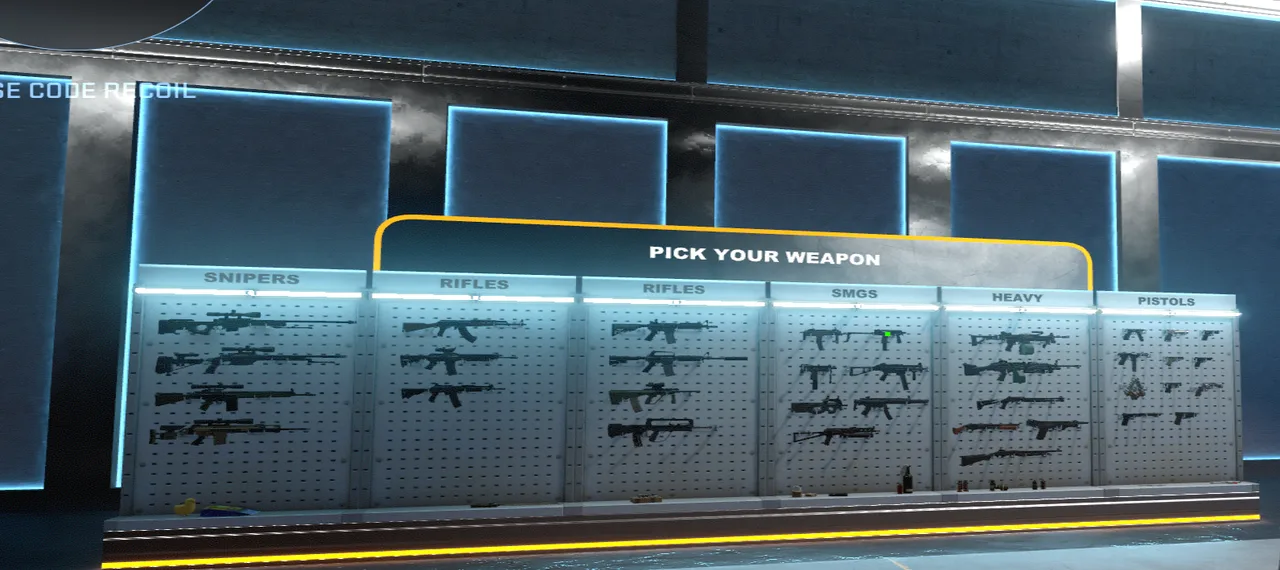
Reference clip · one MP9 magazine
Common questions
Why can’t I get the spray to a single point?You just reported this
Bullet impact = crosshair position + recoil offset + random spread.
Recoil offset: a fixed pattern you can learn to counter.
Random spread: cannot be fully cancelled with normal mouse input (ticking NO SPREAD in Recoil Master temporarily disables it).
Movement error: moving or jumping also affects accuracy.
So you can bring recoil close to zero, but you cannot collapse real bullet spread into a single point.
Should I change my mouse DPI?You just reported this
If the mouse feels too slow or too fast, change the DPI in your mouse driver. Set it to whatever you like, it does not affect the settings above.